Welcome to QTEASY documentation!

Note
qteasy has been upgraded to version 2.0, enabling trading strategies to use historical data more flexibly and effectively, while simplifying the process of defining trading strategies and improving efficiency. Since QTEASY is still in testing, the software inevitably contains some vulnerabilities and bugs. If you encounter any issues during use, you are welcome to report an Issue or submit a new feature request to me. You can also enter the discussion forum to participate in discussions. Contributions are welcome!
Author: Jackie PENG
Email: jackie_pengzhao@163.com
Created: 2019, July, 16
最新版本: 2.6.0 — 发布历史
License: BSD 3-Clause
Brief Introduction
QTEASY is a quantitative trading strategy development toolkit built for quantitative traders, with the following features:
End-to-end coverage From financial data acquisition and storage to strategy development, backtesting, optimization, and live trading—everything in one place
Fully local Data, backtesting, and live trading all run locally, with no reliance on cloud services; configuration is clear and results are reproducible
Reliable backtests, consistent live trading The same strategy logic runs in both backtesting and live trading, with historical data injected strictly based on what was actually visible at the time—mechanistically avoiding lookahead bias and data leakage, and reducing the gap between “great backtests” and “distorted live results”
Flexible and easy to use Multiple strategies can be combined like building blocks, with customizable signal-merging methods; built-in 70+ ready-to-use strategies covering common technical indicators, moving averages, breakouts, reversals, and more
High-performance backtesting and prevention of look-ahead bias: The backtesting core uses vectorization + Numba, with sequential processing along the time dimension and single-step vectorization along the instrument dimension, optimized with multiprocessing parallelism; at each step, only the data window visible at that time is injected into the strategy, preventing look-ahead bias at the mechanism level. See Backtesting Engine and Performance, Design Rationale and Unique Advantages in “Architecture and Design”, as well as the “Backtesting Engine and Performance” chapter under “Backtest and Evaluate Trading Strategies”.
What is QTEASY designed for?
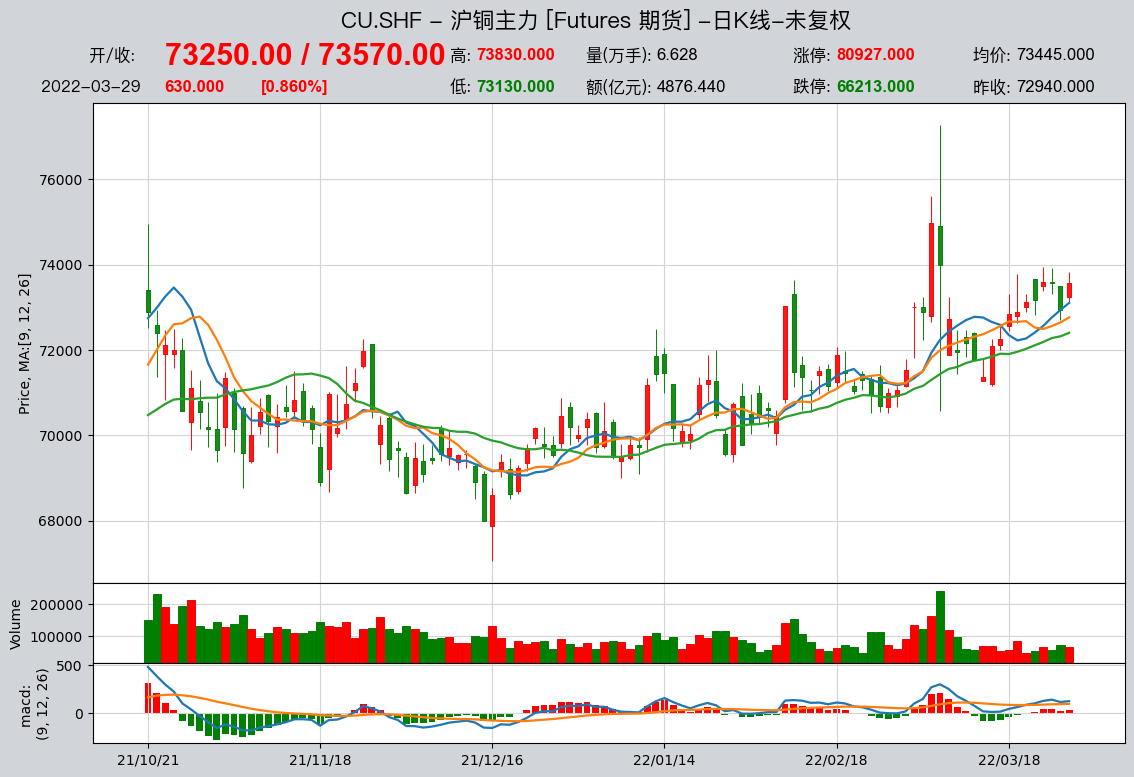
Acquire and manage financial historical data
Conveniently obtain large amounts of historical financial data from multiple sources, clean the data, and store it locally in a unified format
Use the DataType object to manage available information in financial data in a structured way. Even for complex information such as adjusted prices and index constituents, you can retrieve it with just one line of code.
Financial data visualization, statistical analysis, and visualization of analysis results based on DataType objects
Store data locally and retrieve it on demand, providing a consistent data foundation for backtesting and live trading, making results easier to reproduce
Create trading strategies in a simple and secure way
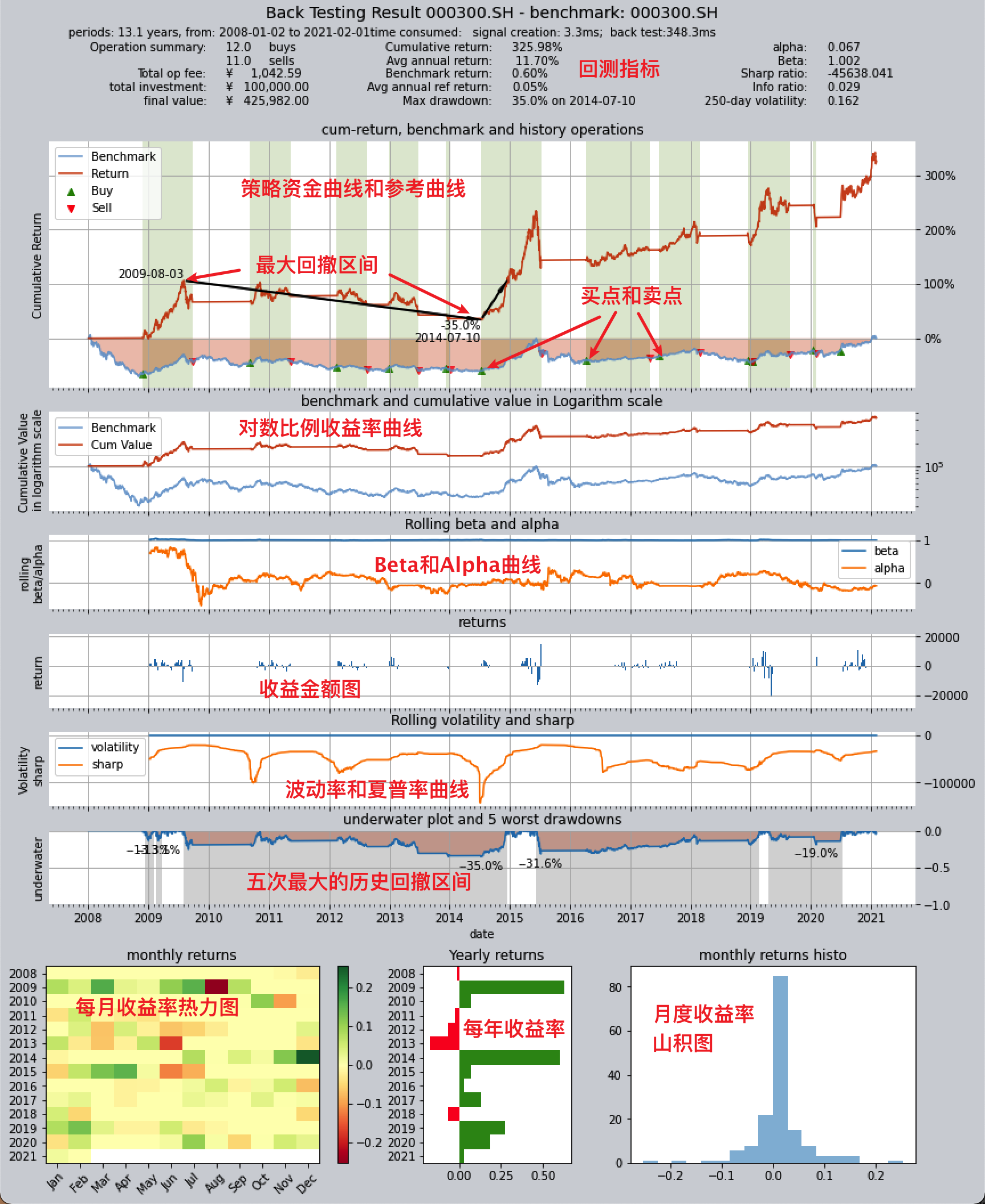
With the BaseStrategy class, the method for defining trading strategies is intuitive and the logic is clear.
Over 70 built-in strategies out of the box, plus a unique strategy mixing and grouping mechanism—complex strategies can be assembled from simple ones, like building with blocks.
The data inputs and usage methods of trading strategies are fully encapsulated and secure, completely avoiding issues such as inadvertently introducing future functions and data leakage, ensuring the authenticity and reliability of strategy results.
The same strategy logic is used for both backtesting and live trading, reducing the gap between “great backtest results” and “underwhelming live performance.”
Backtest evaluation, optimization, and simulated automated trading for trading strategies
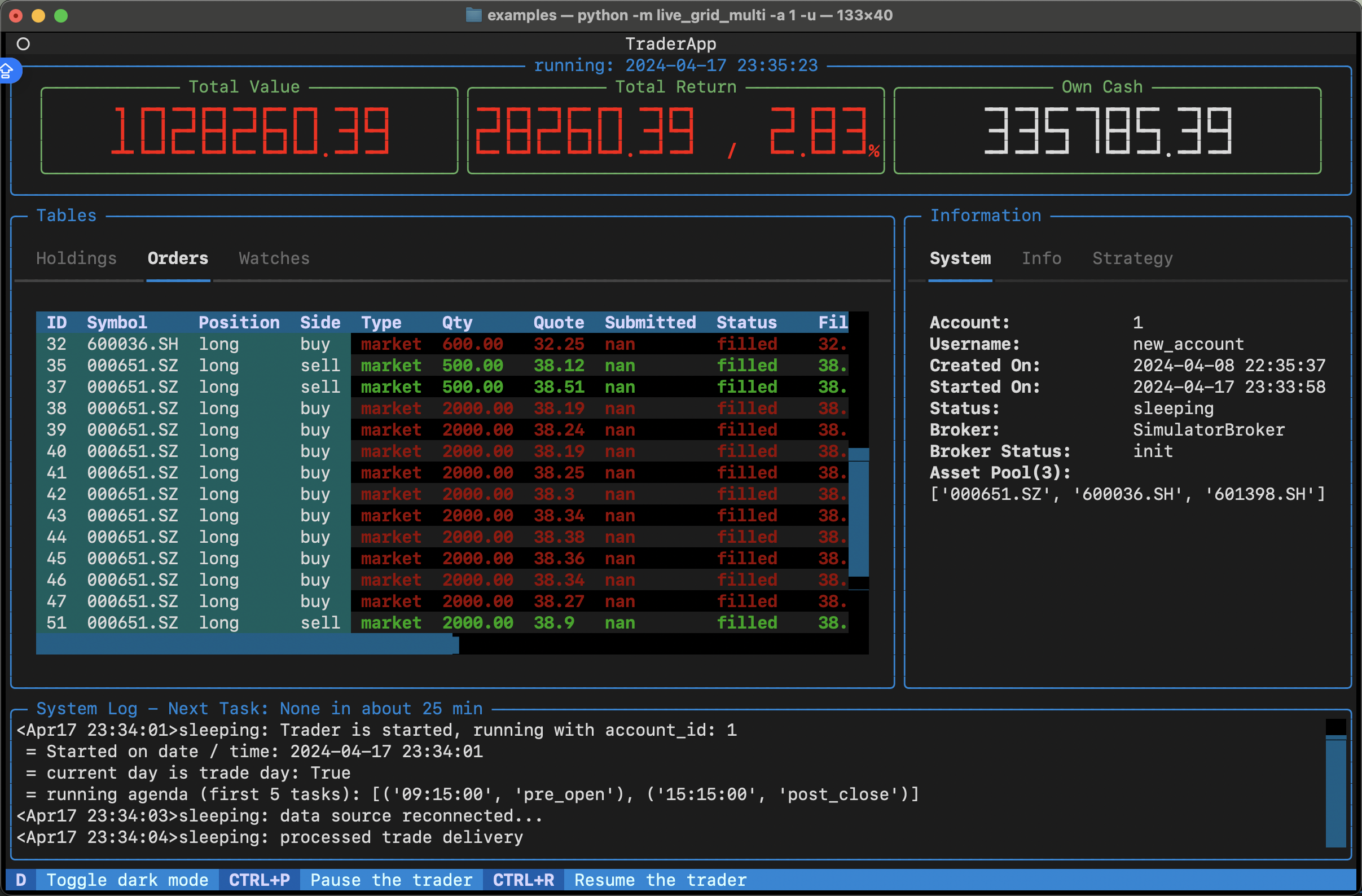
Manage strategy execution through the Operator trader class, backtest strategies according to the real market trading rhythm, evaluate trading results comprehensively across multiple dimensions, and generate trading reports and result charts.
Provides multiple optimization algorithms, including simulated annealing, genetic algorithms, Bayesian optimization, etc., to optimize strategy performance in large parameter spaces.
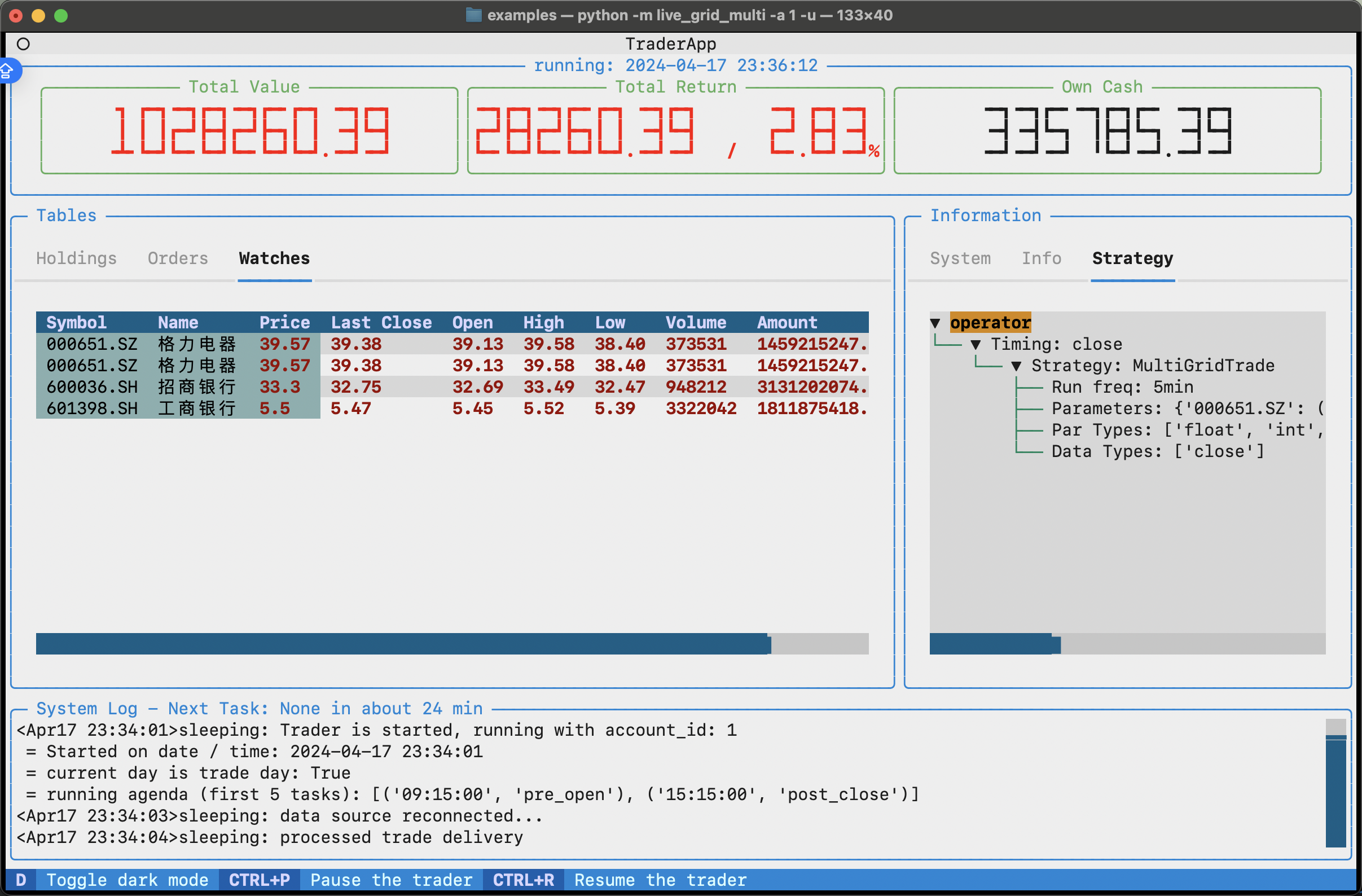
Fetch real-time market data, run strategy simulations for automated trading, and track and record information such as trading logs, stock positions, and account balance changes.
Backtesting, optimization, and live trading use the same execution mechanism: write a strategy once and run it in all modes, with clear configuration for easy reproduction and troubleshooting.
In the future,
qteasywill be able to realize automatic live trading by connecting to trading APIs provided by brokers, such as QMT
QTEASY Quick Start
Tutorials
- 1. Installation & Configuration
- 2. Acquire and manage financial data
- 3. Use HistoryPanel to operate on and analyze historical data
- 4. Research cross-sectional timing factors with HistoryPanel
- 5. Using HistoryPanel to study cross-sectional stock-picking factors
- 6. Studying event-driven factors with HistoryPanel
- 7. Build your first strategy
- 8. Use built-in strategies
- 9. Custom Strategies in qteasy
- 10. Another Custom Strategy
- 11. Build a more complicated strategy
- 12. Simulate the risk controls and Broker adaptation in live trading (dual-path)
- 13. Optimize Strategies
- 14. Deploy Strategies
``qteasy`` Architecture and Design
- 1. qteasy Overall Architecture and Design Approach
- 2. Core Concepts at a Glance
- 3. Data Acquisition, Storage, and Data Types
- 4. How a strategy declares and uses data
- 5. Operator and Group: who runs when
- 6. How Strategy runs: timing, data, and parameters
- 7. Backtesting, live trading, and optimization: a unified entry point and different modes
- 8. Backtesting engine and performance (design perspective)
- 9. Design Intent and Unique Advantages
- 10. Process data (proc.*) and dynamic backtesting (design specification)
- 11. HistoryPanel and the optional “FactorResearch” helper layer (evaluation conclusions)
- 12. Live Trading S1.3 Design Philosophy and Architecture
MANAGING DATA
- 1. Qteasy Financial Historical Data Management
- 2. Extracting information from data tables in a standardized manner
- 3. HistoryPanel
- 4. HistoryPanel Visualization
- 5. Local data source — DataSource object
- 6. Uniformly defined financial history tables
- 7.
DataTables— Basics tables - 8.
DataTables— Price / OHLCV tables - 9.
DataTables— Listed-company technical indicators and market trends - 10.
DataTables— Listed-company fundamental data - 11. DataTables — Fundamental and Macroeconomic Data
- 12. Automatically populate data using data acquisition channels.
Create and Manage Trading Strategies
- 1. Using Trading Strategies
- 2. Operator: Creation and Basic Configuration
- 3. Operator: Creation and Basic Configuration
- 4. Finding and Using Built-in Strategies
- 5. Group and Strategy Signal Blending
- 6. Three Strategy Base Classes: RuleIterator, FactorSorter, GeneralStg
- 7. Custom Strategies: From Definition to Use
- 8. Operator: Creation and Basic Configuration
Backtest and Evaluate Trading Strategies
OPTIMIZATION
Simulated Live Trading Module
LIVE SIMULATION
QTEASY Trading Strategy Examples
- 1. Double MA Timing
- 2. Alpha Stock Selection
- 3. Collective Bidding Strategy
- 4. Multi-factor Stock Selection
- 5. Psuedo-Grid Trading Strategy
- 6. Enhanced Index Stock Selection
- 7. Cross-product arbitrage trading strategies (educational equivalent version)
- 8. Intertemporal Arbitrage Trading Strategies (Equivalent Educational Version)
- 9. Intraday Turnaround Trading Strategy (Equivalent to Tutorial Version)
- 10. Market Maker Trading Strategies (Tutorial Version)
- 11. Turtle Trading Strategy (Simplified Tutorial)
- 12. Sector Rotation Stock Selection Strategy (Equivalent to Educational Version)
- 13. Grid Trading Strategy
- 14. Machine Learning Stock Selection Strategies (Teaching Framework)
- 15. Large-Cap/Small-Cap Rotation Investment Strategy (Equivalent to Educational Version)
API REFERENCES
- 1. Configure QTEASY
- 2. Acquiring and Managing Data
- 3. Managing Historical Data - DataSource Object
- 4. HistoryPanel Class
- 5. Historical Data Types — the DataType Object
- 6. Built-in Strategies
- 7. All Built-in Strategies
- 8. Operator class
- 9. Trading Strategy Class
- 10. No policy parameters
- 11. Backtester strategy backtesting engine
- 12. Optimizer strategy optimizer
- 13. Strategy parameter optimization method
- 14. Start QTEASY
LICENSE
About ``QTEASY``
FAQ